

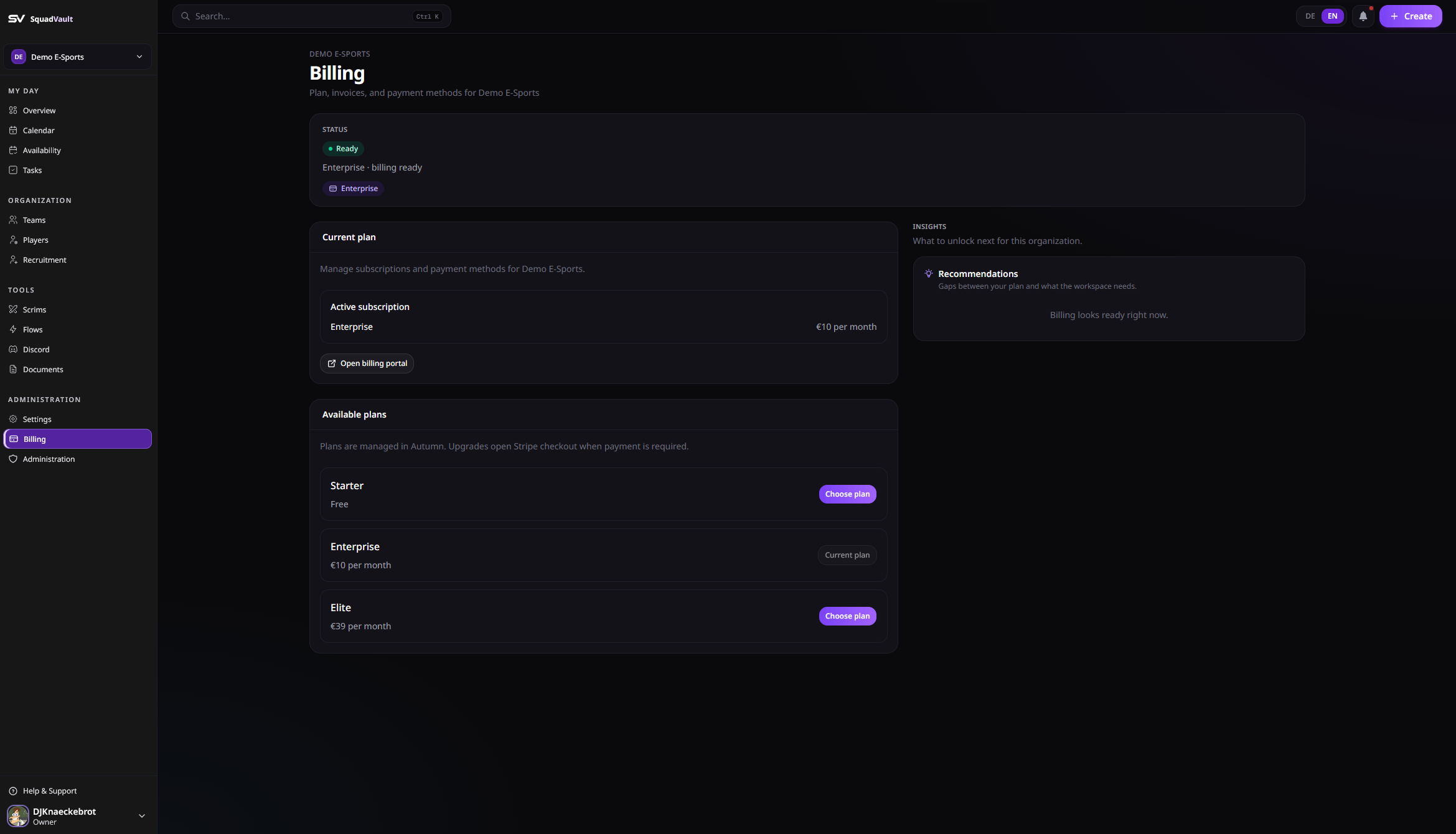
Billing
Open billing
- Go to Billing in the sidebar (owners and admins).
- Review your current plan and available plans.
- Choose a plan to start checkout when payment is required, or open the billing portal to manage payment methods.
Feature access
Some features require a plan upgrade, including:- Team and player management capacity
- Tryout / recruitment tools (basic recruiting)
- Form Builder / enhanced recruiting
- Custom apply domain (Elite)
- Feedback surveys
- Custom survey branding (public cover image)
- Scrim management (Mission Control)
- Discord Sync
- Flows (automations)
- Documents
- Organization API keys
- Audit log
- Member management extras
Plan changes and limits
Changing plans never deletes roster, files, team lists, or recruiting forms. If you move to a smaller plan while you still have extra open application forms or Team Panels, they stay. You cannot add more until you close extras or upgrade. Billing shows this as over the plan limit. Failed payments and canceled subscriptions keep the same rule: data stays; paid features lock until the invoice is paid or you choose a plan again. Open the billing portal to update the card, download invoices, or cancel. Owners and admins confirm every plan change. The confirmation states that existing data is kept.Tips
- Only owners and admins can change plans.
- After upgrading, wait a moment if access does not refresh immediately, then reload (or open Billing to refresh feature access).
- Contact hello@squadvault.xyz for custom pricing questions.
- Custom apply domains need DNS (CNAME + TXT) and edge TLS (see Recruitment).