

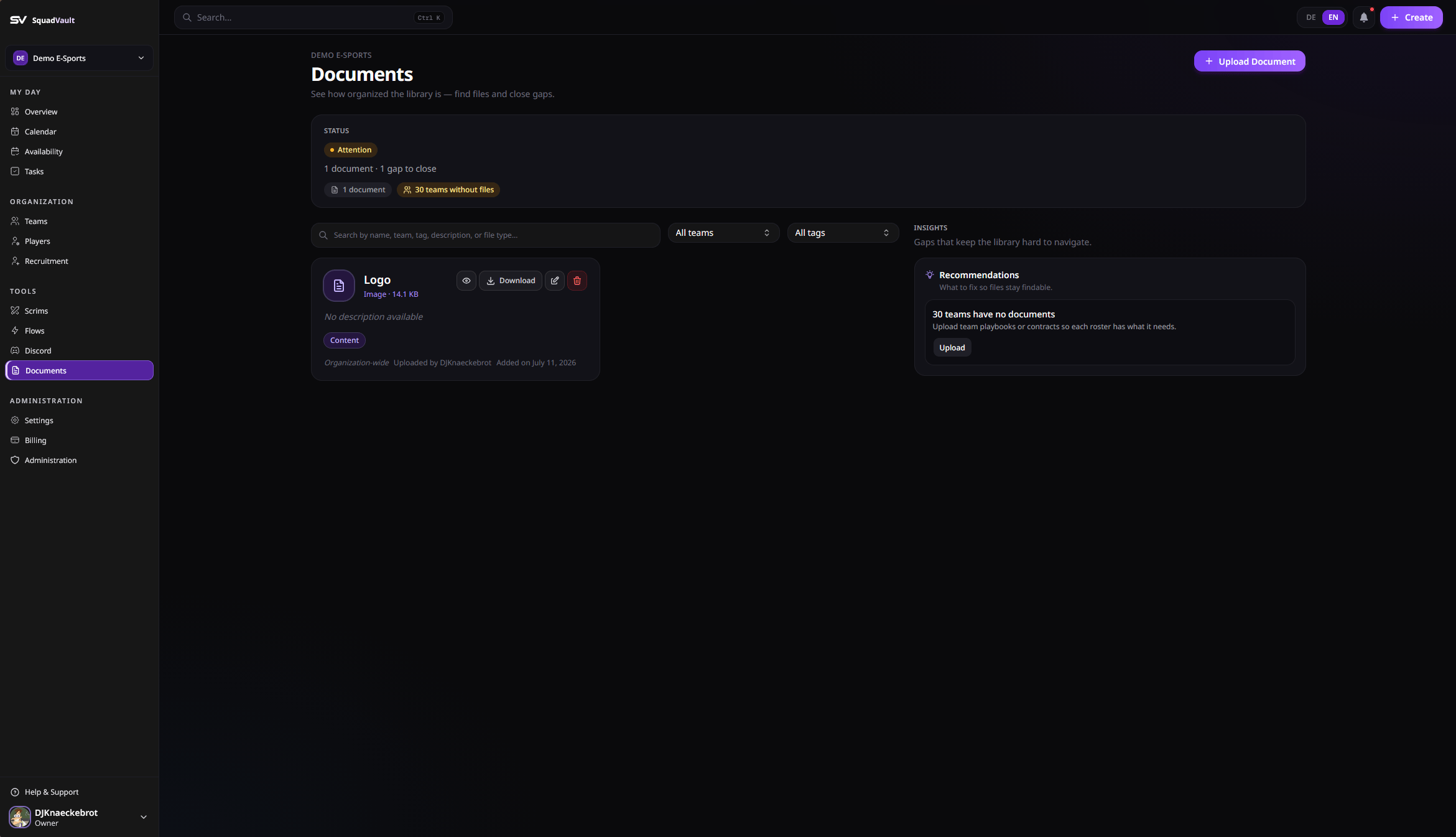
Documents library
Upload a document
- Open Documents.
- Upload a file (PDF, Word, Excel, text, or common image types).
- Add a name, optional description, tags, and optional team scope.
- Save the document record.
Organize with tags and teams
- Tags: playbook, contract, management, content, legal, other.
- Scope a document to a team when only that roster should use it, or leave it organization-wide.
Use documents in workflows
- Link documents from calendar events when a scrim or meeting needs a playbook.
- Prefer clear names (
Playbook Q3) so search stays useful. - Update tags when a document’s purpose changes instead of uploading duplicates.
Documents are plan-gated. Upgrade under Billing if uploads are locked.