

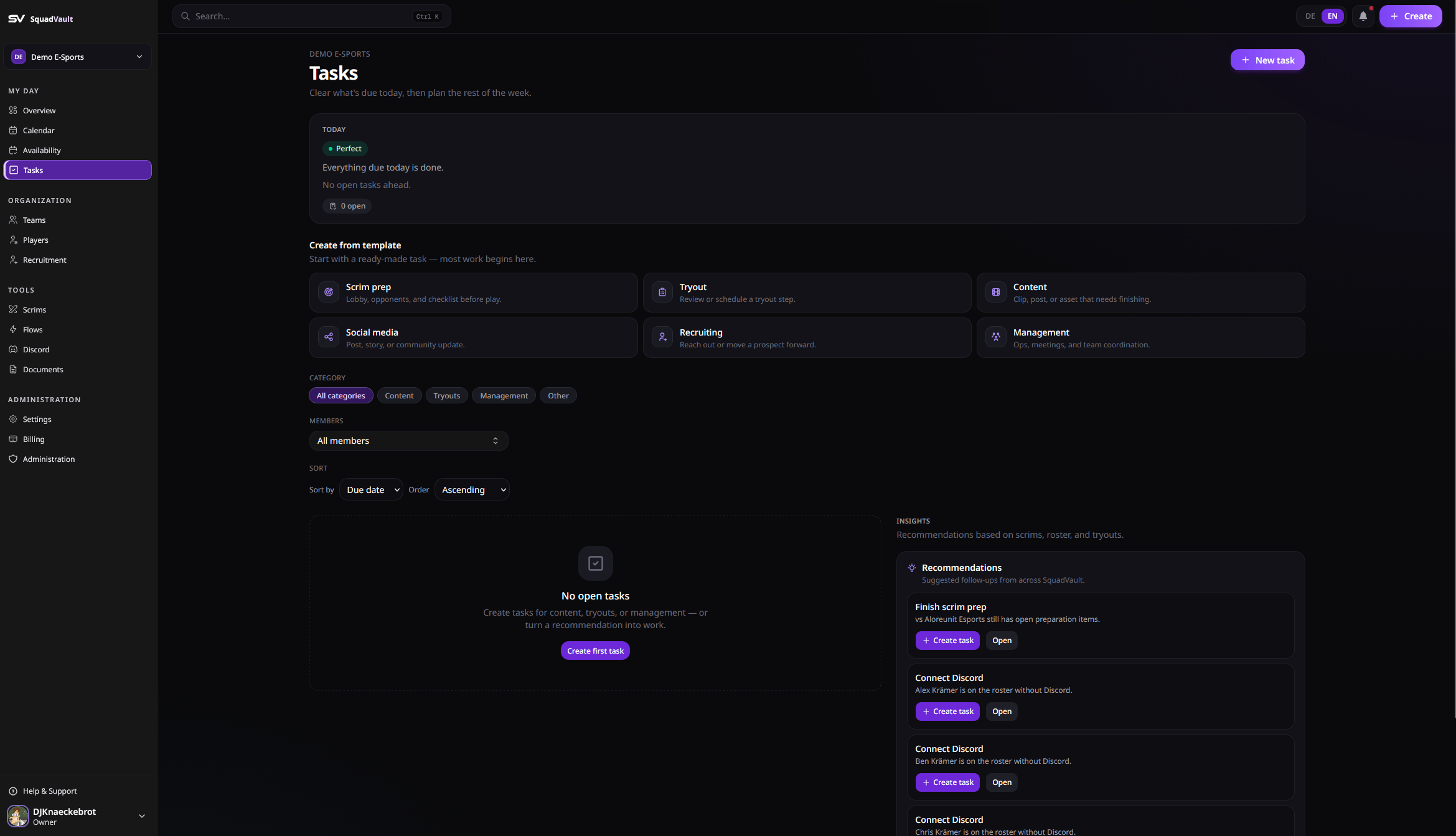
Tasks — status and prioritized work
Create a task
- Open Tasks.
- Add a title, optional description, category, assignee, and due date.
- Track progress until it is done.
Stay on top of work
- Prefer overdue and due-today items before everything else.
- Filter by category, assignee, or status when the list grows.
- Link related calendar events when a task belongs to a scrim or meeting.
- Check the overview dashboard for what needs attention today.
Tips
- Prefer clear owners and due dates over long descriptions.
- Break large recruitment or content projects into smaller tasks.
- Close completed tasks so the board stays actionable.